Levels of Access
There are two levels of administrative access to choose from


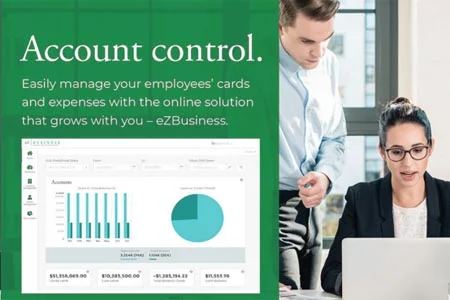
eZBusiness is the premier web-based commercial card management solution, offering industry-leading technology and integration to optimize your commercial card program. Easily manage your employees’ cards and expenses with the online solution to grow your business.
There are two levels of administrative access to choose from
Real-time features include:

ePayables is an all-inclusive business-to-business payment platform that replaces checks & other non-card payment methods. The ePayables dashboard is located within eZBusiness Card Management Tool. Because ePayables are virtual card payments, the risk of fraudulent activity is significantly lowered. ePayables are the most secure way to pay.

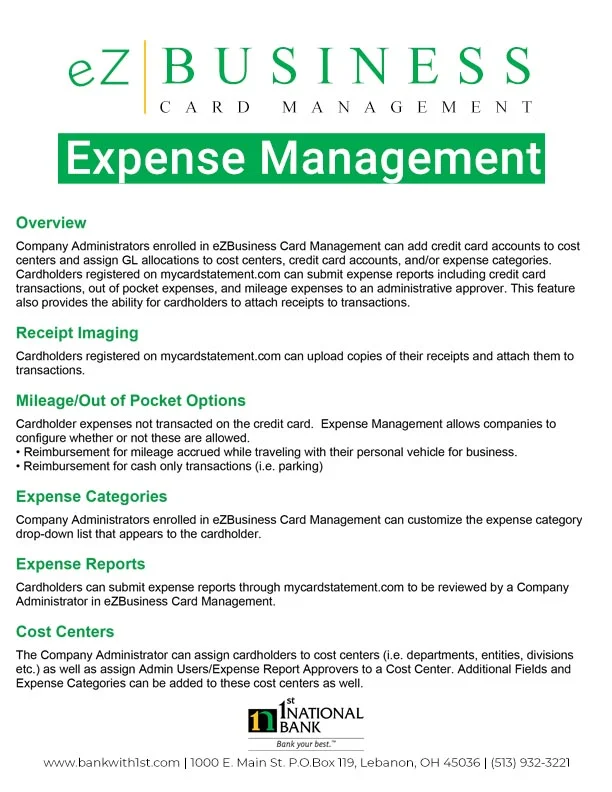
Company Admins enrolled in eZBusiness Card Management can add credit card accounts to cost centers and assign GL allocations to cost centers, credit card accounts, and/or expense categories. Cardholders registered on mycardstatement.com can submit expense reports, including credit card transactions, out-of-pocket expenses, and mileage expenses for admin approval. This feature also provides the ability for cardholders to attach receipts to transactions.

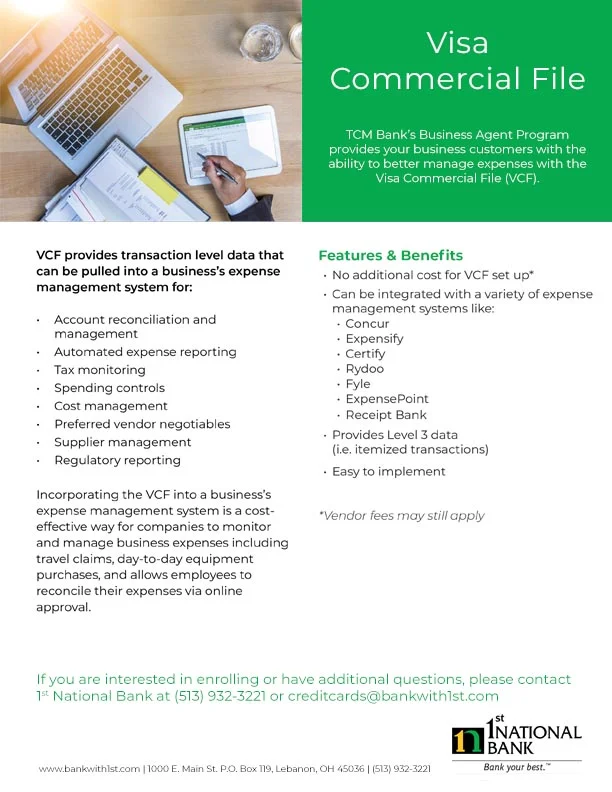
Incorporate the VCF into your business’s expense management system. VCF is a cost-effective way for your company to monitor and manage business expenses, including travel claims, day-to-day equipment purchases, and allows employees to reconcile their expenses via online approval. VCF provides transaction-level data that can be pulled into a business’s expense management system for:

At 1st National Bank, we provide a tailored experience that aligns with your business goals. With our unmatched expertise, cutting-edge technology, and deep understanding of the local market, we help businesses to streamline and optimize financial workflows efficiently. We ensure the insights are well-delivered and support that helps you thrive.
Click here to view our Business Credit Cards, Business Services, and Business/Commercial Lending Options
You can easily add new cardholders by logging into your eZBusiness account, navigating to the “Cardholders” section, and selecting the option to add a new cardholder. Simply fill in the required information and submit the request for approval.
Yes, you can request a replacement card directly through the platform. Simply go to the “Card Management” section, select the card needing replacement, and submit the request with the necessary details.
You can reallocate card limits in real-time by accessing the “Card Limits” section in your account. Here, you can adjust limits for individual cards based on your current needs, ensuring greater flexibility in managing expenses.
If you encounter any issues with online transactions or service requests, you can dispute the transaction directly through the platform. Navigate to the “Dispute Management” section to report the issue and initiate the dispute process.
You can set up company alerts in the “Alerts” section of your eZBusiness account. Choose the types of alerts you want to receive, such as transaction notifications or account changes, and get real-time updates directly to your email or mobile device.